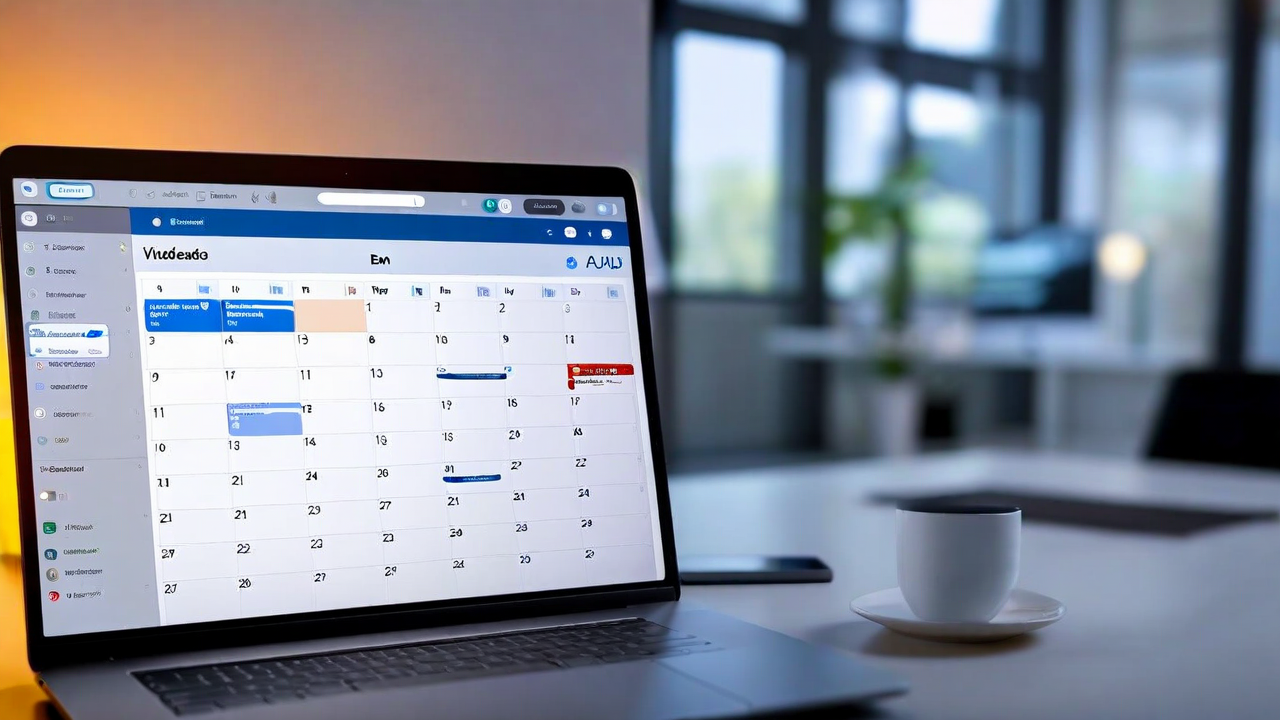
Last month, one of our customers sent us a screenshot of their Google Calendar. Four recurring meetings, all cancelled. Not rescheduled, not moved to biweekly — just gone. In the notes: "handled via async video now."
That's not an anomaly anymore. We've been watching this pattern play out across teams using SyncTeam for the past year. The async video format — record a short clip, share it in a workspace, reply when you're ready — isn't just supplementing meetings. For a lot of use cases, it's replacing them entirely.
Here's what we've actually observed.
The status update meeting is the first to go
The easiest target is the weekly status meeting. You know the format: ten people on a call, each person talks for two minutes about what they did last week, everyone looks at a shared screen with a project tracker, nothing actually gets decided. It exists to make people feel informed, not to produce outcomes.
Teams that switch to async video typically start here. One person records a two-minute update from their desk. Another records a three-minute walkthrough of where a project stands. Everyone watches when they have a few minutes between tasks, leaves comments if something needs clarification. The context arrives with the video instead of being squeezed into a crowded call.
What's interesting is the quality of follow-up questions tends to go up. When someone can rewatch the update or pause to think before they respond, they ask better questions. The rushed "any questions?" at the end of a meeting doesn't give people time to actually process what they just heard.
Feedback loops get faster, not slower
The assumption most teams make before trying async video is that it'll slow everything down. If I can't just jump on a call right now and talk through the design review, won't we lose three days waiting for everyone to respond?
In practice, that's not what happens. A recorded walkthrough of a design with specific questions attached tends to generate responses in two to four hours, because people can drop in and watch it when they have capacity instead of waiting for a calendar slot that works for everyone. A thirty-minute design review meeting often takes two weeks to schedule when you have people in three different time zones.
The feedback is also more actionable. Written and timestamped comments on specific moments in a video produce cleaner revision notes than trying to reconstruct what everyone said on a call thirty minutes after the fact.
There's a format mismatch people don't talk about
Some things don't belong in meetings, and they never did. Progress updates, context handoffs, walkthroughs of finished work, "here's what I decided and why" announcements — none of these actually require real-time presence. They require the information to reach people clearly. A video does that better than a calendar block.
What does still belong in a meeting: brainstorming sessions where the whole point is people riffing off each other in real time. Difficult conversations that need facial cues and tone. Decisions that require genuine back-and-forth negotiation. First calls with new clients. Onboarding the first week of a new hire's job.
The teams that've reduced meetings the most haven't eliminated synchronous communication. They've gotten precise about which problems actually need it.
What the data from our teams shows
We've been tracking meeting load across teams using SyncTeam for six months or more. On average, teams reduce scheduled recurring meetings by about 38% within the first three months of adopting async video consistently. Most of that reduction comes from status and update meetings, not from decision-making or brainstorming calls.
Average video length hovers around two minutes and forty seconds. That's shorter than we expected — people are not rambling. And watch rates are high, around 87% for videos shared with a specific team or project group. Compare that to a meeting where a third of the room is checking email.
The teams that see the biggest drop in meetings tend to share one habit: they set an expectation that a video should have a clear ask or action embedded in it. Not just "here's what I did" but "here's what I did, here's what I need from you, here's when I need it." That specificity is what makes async responses fast.
The meeting you still need to keep
There's one meeting that async video hasn't replaced, and it's the one that probably shouldn't be replaced. The regular whole-team sync — not for status updates, but for team cohesion. Seeing people's faces, hearing their voices, having a conversation that's not task-driven. Most remote teams we work with have moved that to monthly instead of weekly, and made it shorter: thirty minutes, no agenda, just people talking.
Async-first doesn't mean async-only. It means you're deliberate about when synchronous time is worth it.
How to try this without disrupting everything
The cleanest way to start is to pick one recurring meeting you already know is low-value, and replace it with a standing async video channel for two weeks. No agenda, no calendar block. Just: whoever would have talked in that meeting records a short update when they have something to share, and anyone who would have attended watches and comments.
Give it two weeks before you decide. The first three or four exchanges feel awkward because people are used to the rhythm of a call. By week two, most teams have settled into a cadence that's faster and less draining than what they replaced.
If it doesn't work, put the meeting back. But most teams that try it don't go back.